
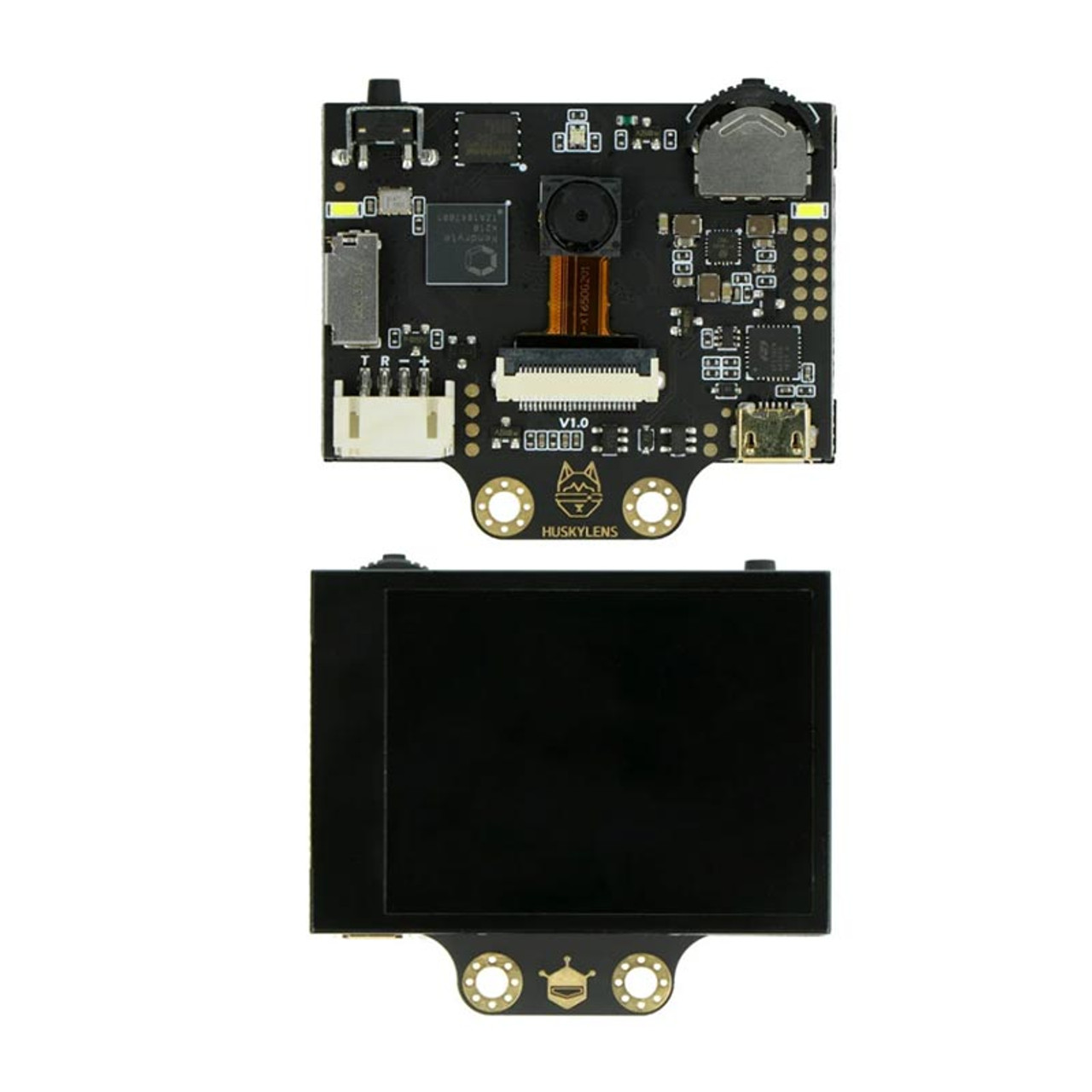

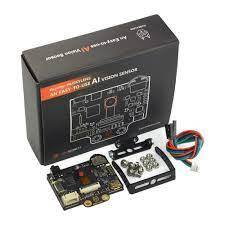
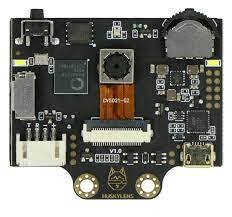
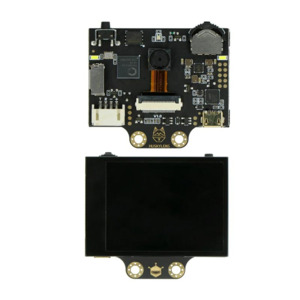
DFRobot Gravity HUSKYLENS – An Easy-to-use AI Machine Vision Sensor
Brand: Dfrobot
Features


Special Price
₹5,314
₹8,299
36% Off
(Inclusive of all taxes)
All orders placed before cut-off time will be dispatched same day.
For B2B orders, contact us on davesh.sharma@jiwebtech.com /
Stock: Outofstock
About this item
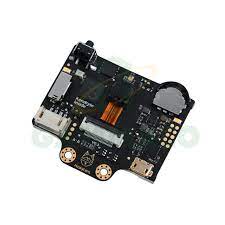
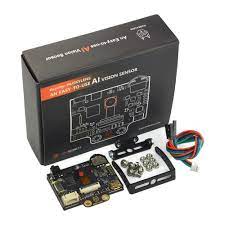
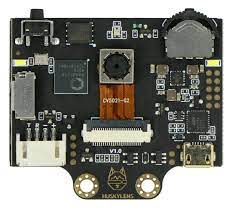
The DFRobot Gravity HUSKYLENS is an intelligent AI-powered vision sensor designed to bring machine learning and computer vision capabilities to makers, students, and developers with minimal effort. Powered by the Kendryte K210 AI chip, it features an onboard camera and pre-trained algorithms, enabling real-time object detection, face recognition, line tracking, color recognition, tag (QR code) recognition, and more—all without requiring additional processing from a host microcontroller. What makes HUSKYLENS stand out is its user-friendly interface: it includes a built-in screen and navigation button, allowing users to train and configure the sensor directly on the device—no programming required. It supports communication via UART, I²C, or USB, making it easily compatible with Arduino, Raspberry Pi, and other platforms. The sensor is part of the Gravity series, so it uses a standard Gravity connector for plug-and-play integration. With onboard AI processing, it offloads computation from your microcontroller, enabling complex vision applications on resource-limited hardware. Whether you're building an autonomous robot, a smart access control system, or an interactive art installation, HUSKYLENS makes AI vision accessible and powerful—even for beginners.Specifications
| AI Chip | Kendryte K210 RISC-V dual-core processor |
|---|---|
| Display | 2-inch IPS screen (320x240 resolution) |
| Camera Resolution | 640x480 |
| Supported Functions | Face, object, line, color, QR code, and tag recognition |
| Communication Interfaces | UART, I²C, USB |
| Input Voltage | 3.3V to 5V (Gravity interface) |
| Image Processing | Real-time on-device with no external processing needed |
| User Interface | On-device training and configuration via button + screen |
Ratings & Reviews
Similar Products
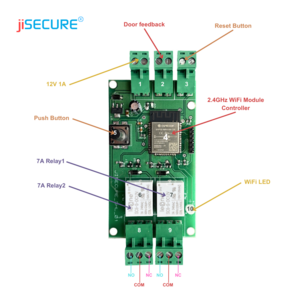
jiSECURE Smart Switch Board – Intelligent Home and Office Control Panel
₹2,500
₹6,798
63% Off
Add
to Cart
Smart Display TV App – Advanced Connectivity and Control
₹12,346
₹19,908
38% Off
Add
to Cart
Smart Parking Solution – Intelligent Space Detection and Guidance
₹9,000
₹14,653
39% Off
Add
to Cart